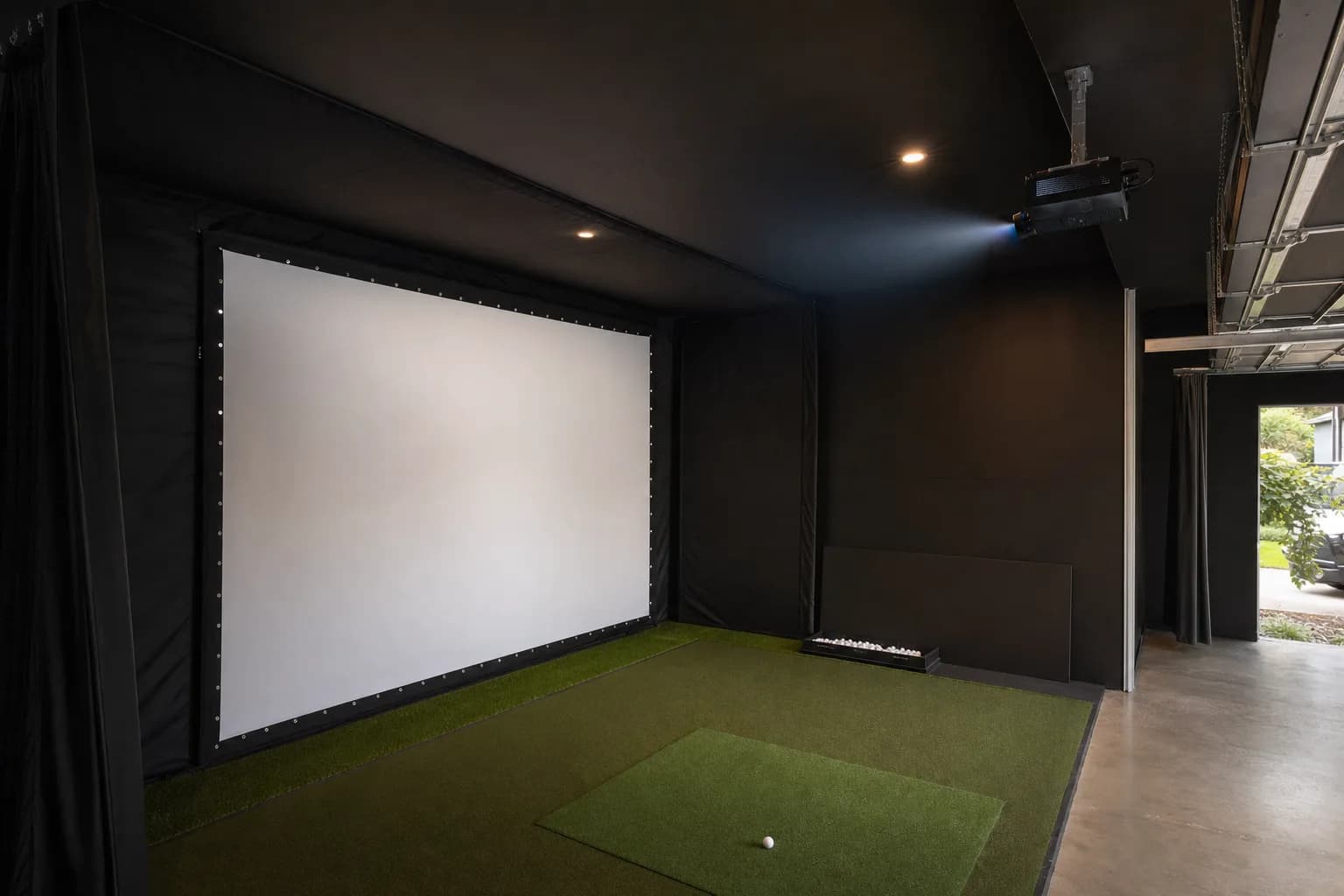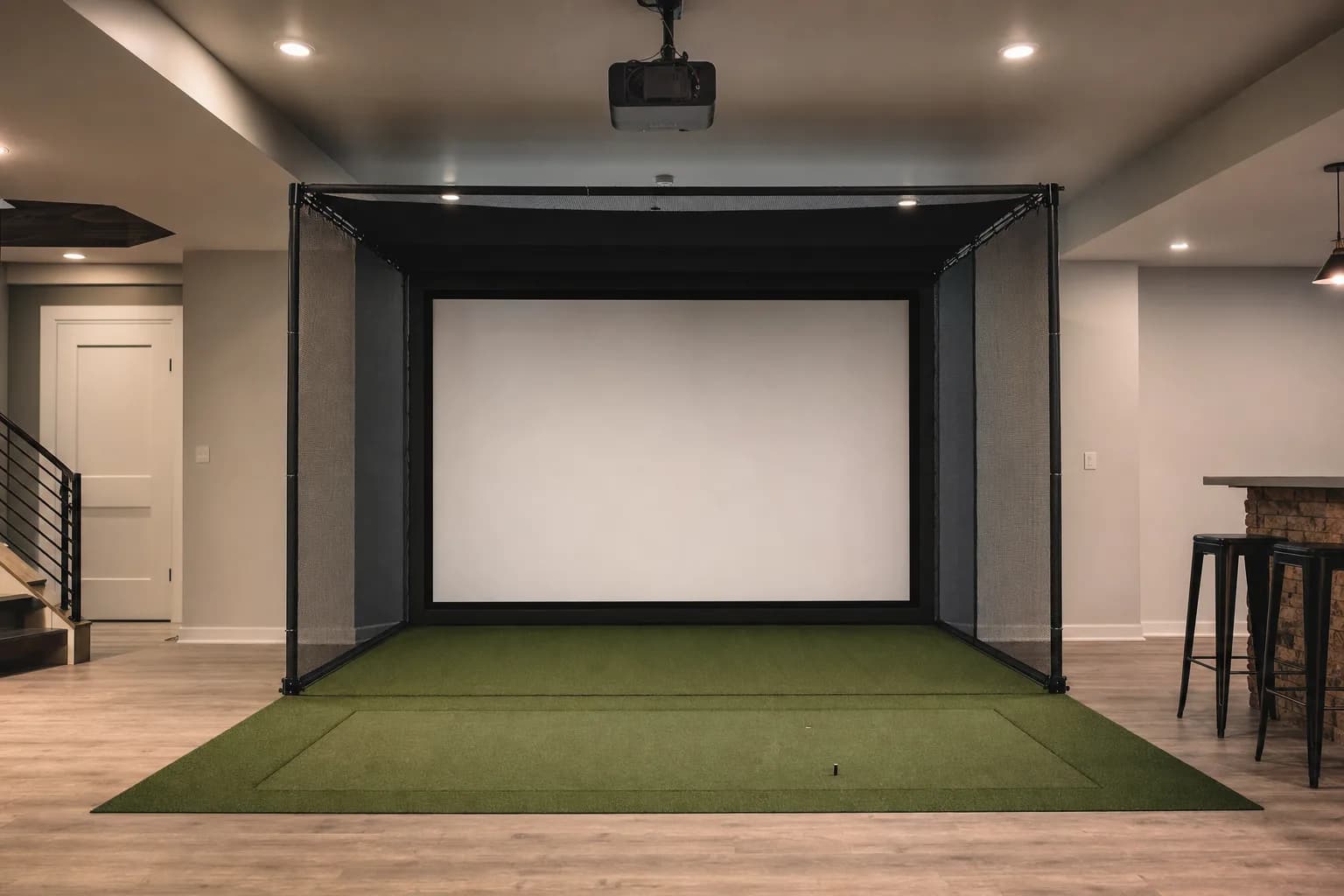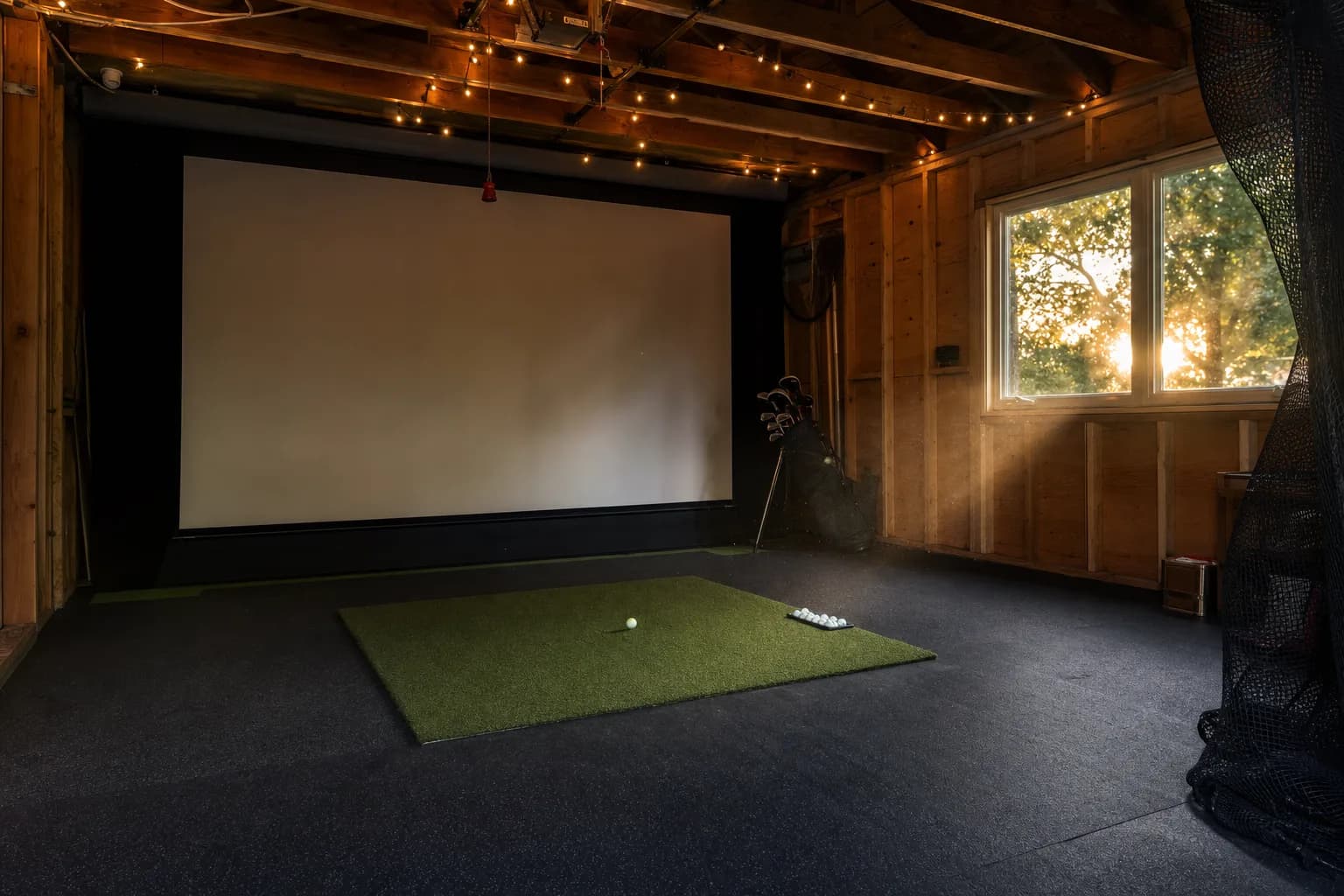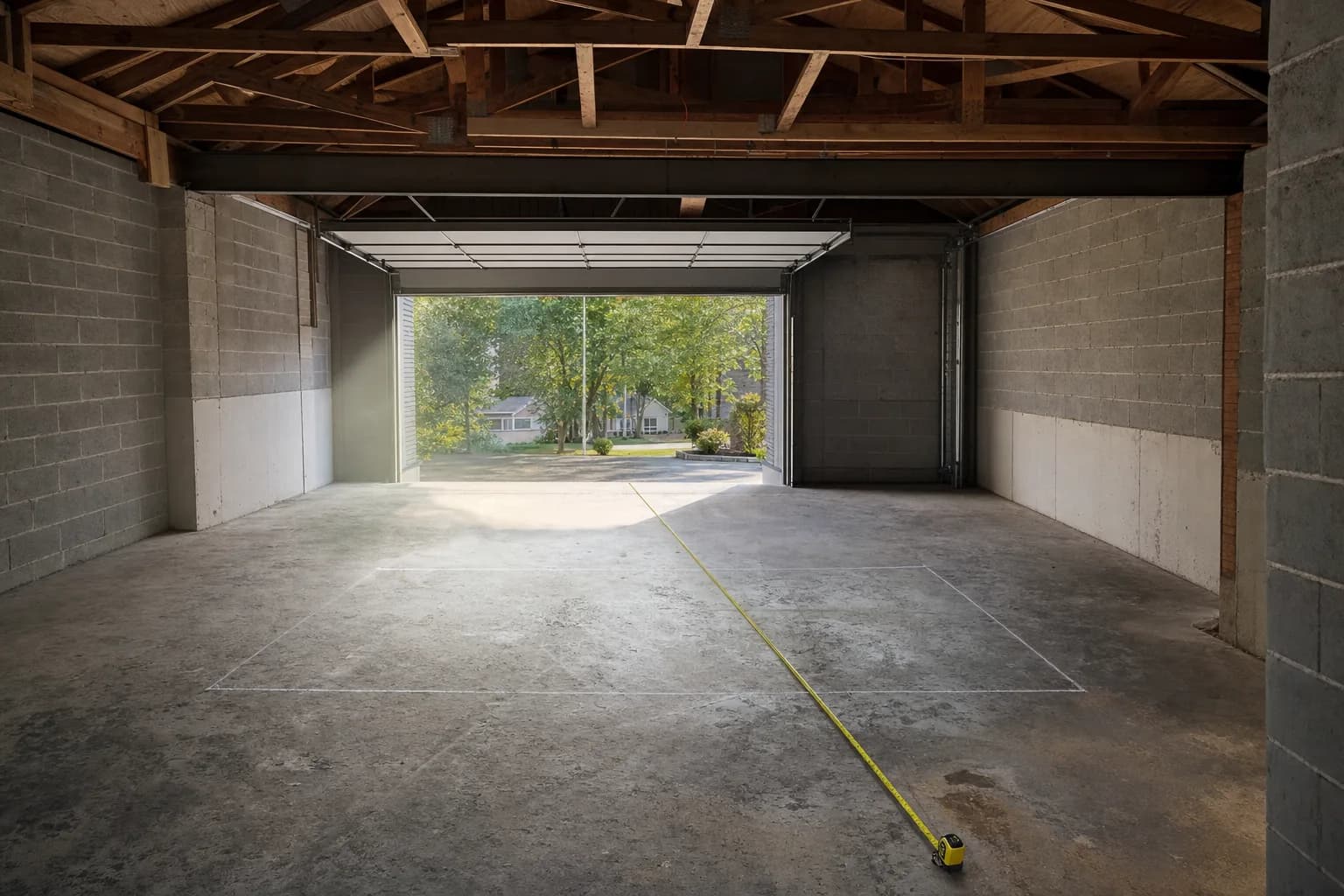

The three things that actually matter
Most projector spec sheets are noise for this use case. A simulator projector is judged on three things, in this order.
- Throw ratio: how big an image it makes from how far away. A short-throw projector (roughly 0.5 to 0.8 to 1) fills a normal impact screen from five to eight feet. An ultra-short-throw sits within inches of the screen. A standard projector needs ten feet or more and is almost never right for a home bay.
- Brightness: measured in lumens. Around 3,000 lumens is the floor for a dark, dedicated room. Plan for 3,500 to 4,000-plus if the room has any ambient light, and higher again for a garage with windows.
- Input lag and light source: low input lag keeps the ball flight feeling connected to your swing. A laser light source lasts far longer than a lamp and never needs a bulb replacement, at a higher upfront cost.
Resolution matters least. A sharp, bright 1080p image on a tensioned screen looks excellent from the hitting position. 4K is a genuine upgrade for movie nights, not for reading your carry number.
The projector and the screen are one decision, not two. The screen and projector guide covers how throw distance, screen size and gain have to be matched.
Do you need a special golf simulator projector?
Not a special category of hardware, but a specific set of traits. Any projector marketed for golf simulators is really a bright short-throw gaming projector: short throw so it fits the room and clears the golfer's shadow, high brightness so the image holds up against a screen with texture, and low input lag so it feels responsive. A cheap long-throw home-cinema projector fails on all three. Everything in this roundup meets the bar; the differences are budget, light source and how forgiving the setup is.
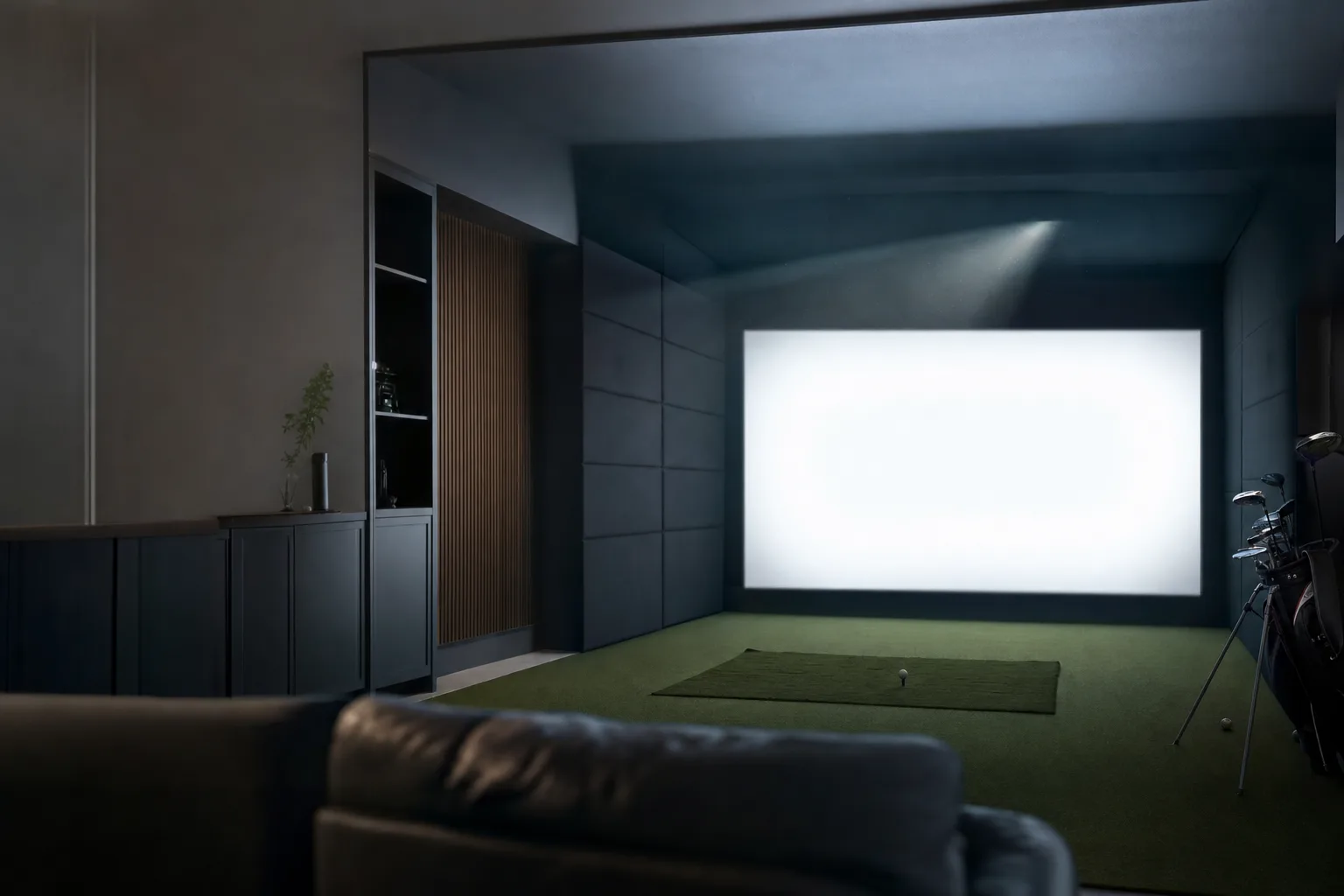
One more trait matters for a golf bay specifically: how the projector handles being mounted off to one side or steeply angled. In an ideal install the projector sits on the ceiling, centred on the screen, throwing straight. Real rooms rarely allow that, so you end up angling it, and a projector with vertical lens shift or generous keystone range copes better than one with a fixed lens and none. The units below vary a lot on this, and it is worth checking against your planned mount position before you buy.
Brightness, screen size and screen gain work together
Lumens on their own do not tell you whether an image will look good. Three things interact.
- Screen size: the same light spread over a bigger image is dimmer per square foot. A 3,000-lumen projector that looks bright on a 100-inch screen looks noticeably softer on a 150-inch one.
- Screen gain: impact screens have a gain figure, usually around 1.0 to 1.2, describing how much light they reflect back. A slightly higher-gain screen can make a modest projector look brighter, at the cost of a narrower ideal viewing angle, which matters less in a bay where you stand in one spot.
- Ambient light: any uncontrolled light washes the image. A north-facing basement is forgiving. A garage with a window in the door is not, and there you want to be at 4,000 lumens or more, or commit to blackout covers.
The practical rule: size the projector to the screen you actually plan to use, in the room's real lighting, not to a spec-sheet ideal. If in doubt, buy more brightness. A too-bright projector can be dimmed; a too-dim one cannot be fixed.
Best value: BenQ TH671ST
The TH671ST is the projector I point most first builds toward. Its 0.69 to 0.83 to 1 throw ratio fills a 100-inch image from around five feet, reviewers consistently praise its bright, sharp 1080p picture and low input lag for simulator and gaming use, and it costs meaningfully less than the laser options.
The trade-offs are real and worth knowing. It uses a lamp, not a laser, so brightness drops over the lamp's life and you will eventually replace the bulb. At 3,000 lumens it is fine in a dark or dim room and starts to wash out in bright ambient light. It has no horizontal keystone correction, so ceiling mounting has to be physically square to the screen, and owners report fan noise being audible in a quiet room. If your room is dark and your budget is tight, none of that outweighs the value.
The lack of horizontal keystone is the one to think hardest about. It means the projector has to be centred left-to-right on the screen and pointed straight at it. If your only viable mount point is off to one side, this projector will fight you, and one of the Optoma units with more correction range is the better buy even at the higher price. If you can mount it centred, it is a non-issue and the TH671ST is excellent value. Owners also note that setup rewards patience: getting the image sharp corner to corner takes some back and forth with the focus ring and the physical position.
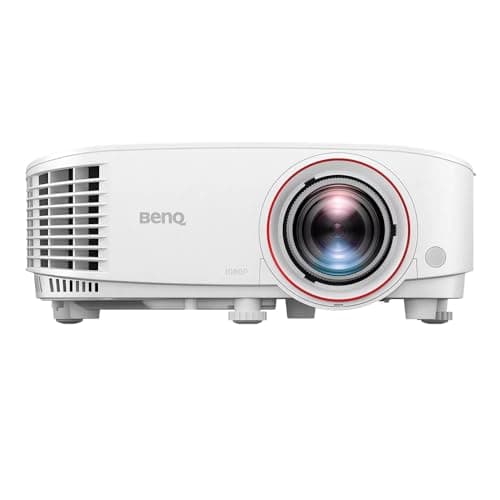
The one I recommend for a first simulator in a room you can darken. Bright, sharp 1080p, genuinely short throw, low input lag, and the lowest price of the projectors here. Accept that it is a lamp, not a laser, and that it needs a square ceiling mount because there is no horizontal keystone.
Best for a tight or bright space: Optoma GT2000HDR
The GT2000HDR is the ultra-compact laser option. Its throw ratio is around 0.5 to 1, so it fills a large screen from roughly a metre away, which is the shortest practical mounting distance of anything here. The laser light source means no bulb to replace and instant on-off, and reviewers rate its sharpness, colour and contrast well for simulator use.
Because the lens is fixed, with no optical zoom or focus latitude, placement has to be exact: the mounting distance is dictated by your screen size and there is little room to fudge it. Reviewers also flag sluggish on-screen menus, default colour that needs manual tuning, and real-world brightness that feels a step below the rated 3,500 lumens, so it is happiest in a darker room despite the laser. If your constraint is depth, not light, it is the pick.
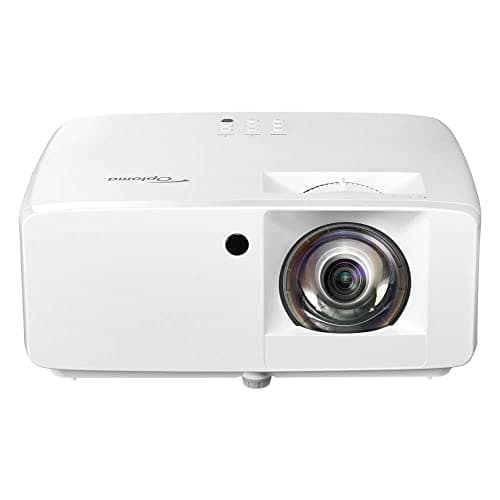
The choice when the ceiling mount has to sit very close to the screen. A laser light source in a tiny chassis with a roughly 0.5 throw ratio. Plan the mount position precisely, because the fixed lens gives you almost no adjustment, and tune the colour after install.
Best overall: Optoma GT2400HDR
The GT2400HDR is the GT2000HDR's brighter, better-equipped sibling and the projector I would choose if the budget allows. It is rated at 4,200 lumens against the GT2000HDR's 3,500, which is the difference between a room you must black out and a room that can have some light. It has the lowest input lag here, adds RJ45 network control, ships with the Smart Fit setup app, and includes golf-simulator colour presets and Rec.709 colour. Reviewers repeatedly name it a top pick specifically for simulator bays and note it runs quiet enough for long sessions.
The honest caveat is that it is a niche tool: several reviews describe its video quality as only average for general home-theatre use, and there is no built-in streaming, so it wants an external device for anything other than the simulator. For its actual job it is the strongest all-round option on this list.
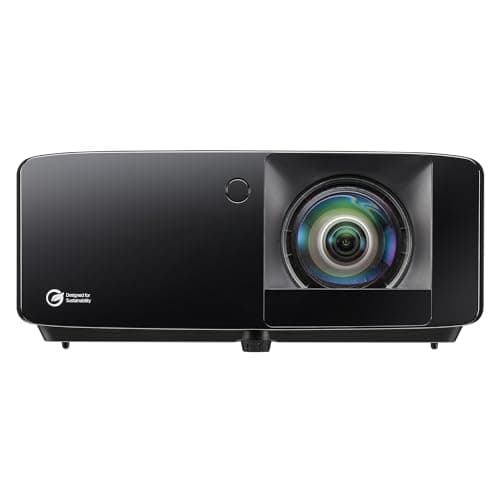
The one I would buy if the budget stretches. Brighter than anything else here at 4,200 lumens, the lowest input lag, laser light source, golf colour presets and a setup app. It is built for simulators specifically, so do not buy it expecting a great movie projector.
$1,299.00
Between the two Optoma units, the decision is almost entirely about the room. If your ceiling mount can be far enough back for a standard short throw and your room has any ambient light, the GT2400HDR's extra brightness and lower noise are worth the premium. If the mount has to sit right up against the screen, the GT2000HDR's roughly 0.5 throw ratio is the one that physically fits, and you accept the lower brightness and the fixed lens in exchange.
The budget 4K-input option
There is a tier of low-cost projectors that advertise 4K support and short-throw use for a fraction of the BenQ or Optoma price. The catalogue carries one, rated at 2,200 ANSI lumens. These accept a 4K signal rather than displaying native 4K, and 2,200 lumens is genuinely dim: it needs a fully dark room and a smaller screen to look good, and the build and menu quality are a step down.
It is a reasonable way into simulator projection if the room is a light-controlled basement and the budget is fixed, with the clear understanding that you are trading brightness and longevity for the low price. If you can stretch to the TH671ST, do.
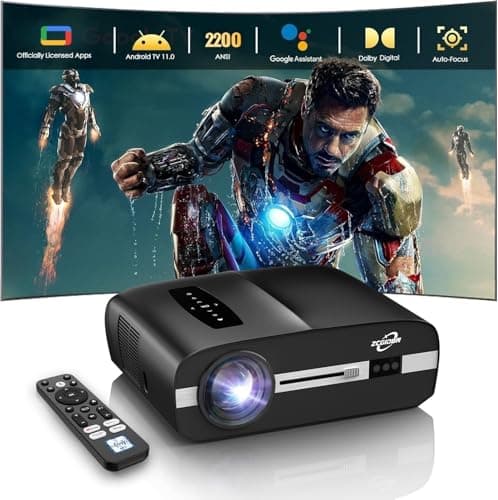
The entry point for a light-controlled basement bay on a fixed budget. It takes a 4K input and throws short, but at around 2,200 lumens it needs full darkness and a modest screen size to look its best. Treat it as a starting point you may outgrow.
How the projectors compare
| Projector | Rated brightness | Light source | Throw | Best for |
|---|---|---|---|---|
| BenQ TH671ST | 3,000 lumens | Lamp | Short throw, ~0.69 to 0.83 | Best value in a dark room |
| Optoma GT2000HDR | 3,500 lumens | Laser | Short throw, ~0.5, fixed lens | Shortest mounting distance |
| Optoma GT2400HDR | 4,200 lumens | Laser | Short throw | Best overall, handles some ambient light |
| Budget 4K-input projector | ~2,200 ANSI lumens | LED | Short throw | Fully dark basement on a fixed budget |
Published brightness, light source and throw type for the projectors covered above, cross-checked against independent reviews. Check the live price on each product page.
Which projector for your room
- Dark, dedicated room, tight budget, mount can be centred: BenQ TH671ST. Best value, and the lamp and 3,000 lumens are fine in the dark.
- Mount has to sit right up against the screen: Optoma GT2000HDR. Its roughly 0.5 throw ratio is the only one here that physically fits that constraint.
- Any ambient light, or a larger screen, and the budget allows: Optoma GT2400HDR. The 4,200 lumens and lower noise are the difference between blacking the room out and not having to.
- Fully light-controlled basement, fixed low budget: the 2,200-lumen 4K-input unit, understanding it needs full darkness and a modest screen and that you may upgrade later.
- Room doubles as a home cinema with close seating: none of these are ideal for film. Look at a dedicated 4K home-theatre short-throw and accept it will be a compromise for the simulator.
Mounting and setup
Ceiling mounting is standard for a simulator, for two reasons: it keeps the projector out of the swing and off the floor, and it puts the light above your head so you do not cast a shadow on the screen. A few things go wrong repeatedly.
- Getting the throw distance wrong. Every projector here has a specific distance for a given image width. Measure it, mount to it. A fixed-lens projector like the GT2000HDR gives you almost no room to correct afterward.
- Relying on keystone correction. Digital keystone squares a tilted image by throwing away pixels and softening it. Mount the projector physically square to the screen and use keystone only as a last small nudge. The TH671ST has no horizontal keystone at all.
- A leftover lens cap or wrong input. The most common no-picture call is a closed lens cover or the wrong HDMI source selected, not a broken projector.
- Blocked vents. A ceiling projector boxed into a tight enclosure overheats and shuts down. Leave airflow around it.
- Focus and alignment as a two-person job. Getting a large image sharp corner to corner is much easier with one person at the projector and one at the screen. Budget time for it rather than rushing the first setup.
The mount itself is worth doing properly. A cheap tilting bracket that creeps under vibration will drift your alignment over weeks, and you will re-square the image repeatedly. A rigid mount fixed into ceiling joists, set once, is the difference between a projector you think about constantly and one you forget is there.
Buying a used simulator projector
The used market is one of the recurring People Also Ask questions for this category, and the answer depends entirely on the light source.
- A used laser projector, like a GT2000HDR or GT2400HDR, is often good value. The laser degrades slowly and predictably over tens of thousands of hours, so a used unit with moderate hours still has most of its life ahead of it.
- A used lamp projector, like a TH671ST, is a gamble. You inherit an unknown number of bulb hours, brightness may already have dropped, and a replacement lamp is a real cost that erodes the saving. Always ask for the lamp hours from the projector's own counter before buying.
- Either way, ask why it is being sold, check for dust blobs or dead pixels in a test image, and confirm all the ports and the remote work. A simulator projector lives on a ceiling in a dusty room, so cosmetic wear is normal but optical problems are not.
Common questions
How many lumens do I need for a golf simulator? About 3,000 in a fully dark, dedicated room. 3,500 to 4,200 if the room has any ambient light. More again for a garage with uncovered windows. Under-buying brightness is the most common regret.
TV or projector for a golf simulator? A projector, in almost every case. You cannot hit a ball into a TV, so a TV setup means hitting into a separate net and watching the shot off to the side, which breaks the immersion that is the whole point. A projector puts the image on the screen you are hitting into.
Is a used simulator projector a good idea? A used laser projector can be, since the light source degrades slowly and predictably. A used lamp projector is a gamble: you inherit an unknown number of bulb hours and a replacement lamp is a real cost. Check the lamp hours before buying anything lamp-based used.
What is the best projector for an outdoor simulator? None of these, really. Outdoor daylight overwhelms any home projector. Outdoor setups either run at night, use a very high-brightness commercial projector, or use a launch monitor with its own screen and skip projection entirely.
Do I need 4K? No. A bright, sharp 1080p image on a tensioned impact screen looks excellent from where you stand to hit. Spend the 4K premium on brightness or a laser light source instead, both of which you will notice every session.
How far from the screen does a short-throw projector go? Depends on the model and your screen width, but roughly five to eight feet for a standard short-throw and around a metre for an ultra-short-throw like the GT2000HDR. Use the maker's throw calculator against your exact screen size.
Does the projector need to match the screen brand? No. Any projector works with any impact screen. What has to match is the projector's throw distance to your room, and its brightness to your screen size and room light. Buy the screen for its impact durability and image quality, and the projector for the room, independently.
Will a projector fan be too loud during a session? The lamp-based TH671ST is the noisiest here and can be noticeable in a silent room, though the simulator audio usually covers it. The laser Optoma units run quieter, with the GT2400HDR the quietest of the group. If the bay is under a bedroom, favour the laser units.
Can I use a portable mini projector for a golf simulator? Not really. The tiny LED projectors are far too dim, usually a few hundred lumens, and their throw is wrong for a bay. They are fine for casual movie nights, not for a simulator image you need to read while you play.
1080p versus 4K in a real bay
The 4K question comes up on every projector shortlist, so it is worth being blunt. From the hitting position, six to ten feet back from a 100 to 120-inch screen, a well-set-up 1080p image looks sharp and detailed. The simulator's course graphics are the limiting factor more often than the projector's pixel count, and the impact screen's weave slightly softens fine detail anyway.
Where 4K earns its keep is if the room doubles as a home cinema and you sit close to watch films, or if you run a very large screen. For pure simulator use, the money is better spent on brightness and a laser light source, both of which you notice every single session in a way you will never notice the jump from 1080p to 4K while lining up a tee shot. All the projectors here are 1080p; the budget unit accepts a 4K signal but does not display native 4K.
Where to go from here
The reviews page lists every projector I hold research on, with current pricing and stock. Match the projector to your room's depth and light first, then read the individual writeups.
Browse every golf simulator projector review
The projector and screen are bought together and have to work together.