
Why this is one decision, not two
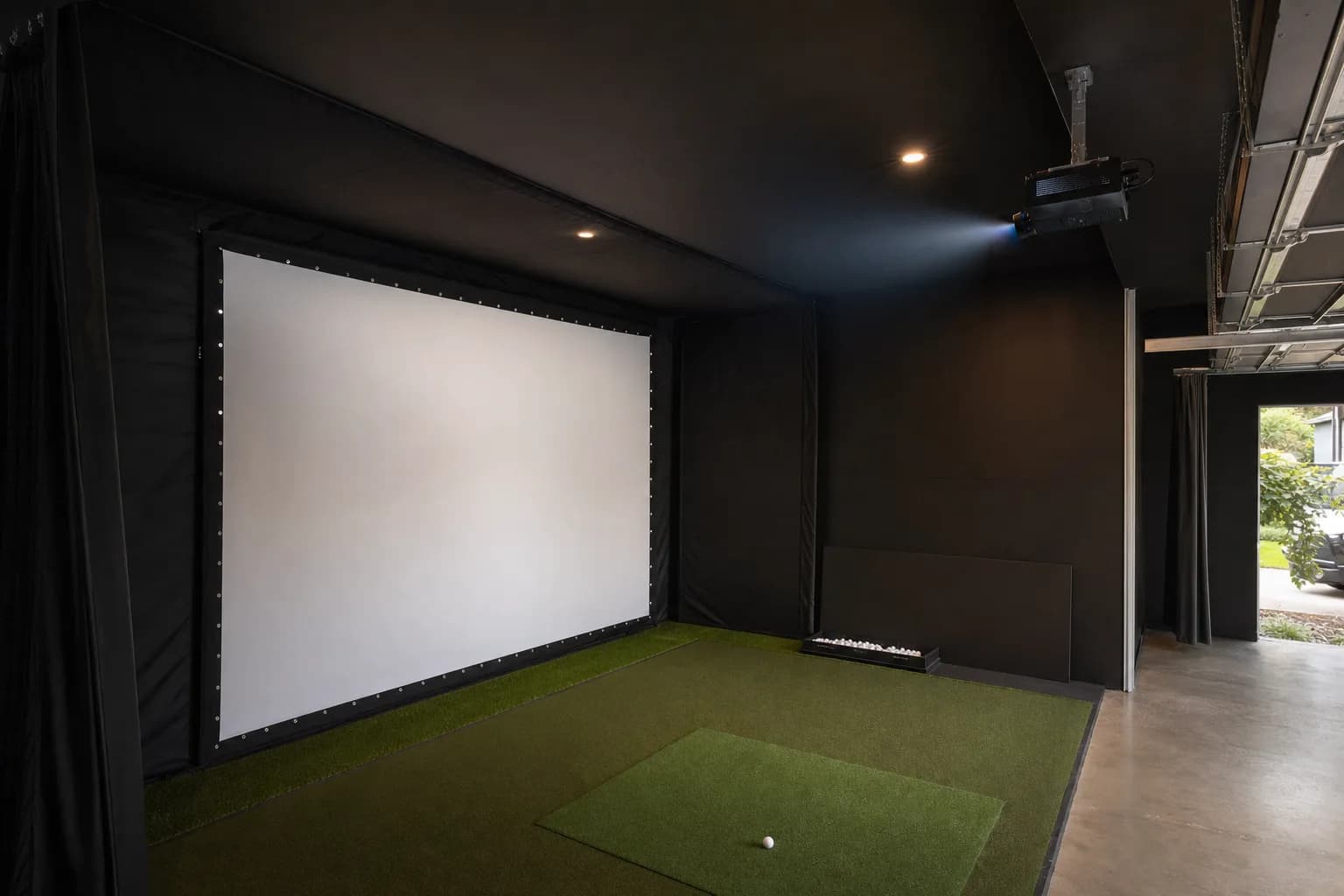
A screen and a projector are sold as separate products, but they are not independent purchases. The projector's throw distance and brightness have to match the screen's size and the room's ambient light, or you end up with an image that is too dim, too small, or physically cannot fit the space you have. Decide them together, not one after the other.
The order that actually works: your room depth determines which throw category of projector is even possible; the projector's throw distance and mounting position determine the realistic image size; and only then does image size tell you what screen dimensions to buy. Work down that chain, not up it.
This guide is the framework. The model-by-model comparison of the specific units is in the best golf simulator projectors roundup.
Screen material and tensioning
An impact screen does two jobs at once: it is a projection surface, and it is the thing a golf ball hits at real swing speed, repeatedly. Those jobs pull in different directions. A surface optimised purely for image quality is not necessarily the one that holds up best under impact, and vice versa.
- Fabric weight and layer count drive both durability and how much noise and bounce-back you get. A single-layer screen is cheaper and louder; a triple-layer or air-mesh screen absorbs more of the impact energy and is markedly quieter, which matters if the bay is under a bedroom.
- Tensioning matters as much as the material. A loosely hung screen absorbs impact unevenly and projects a wrinkled, distorted image. A properly and evenly tensioned one does both jobs better. Over-tensioning is the opposite failure: it makes the screen trampoline the ball back and stresses the grommets until they tear.
- Gain, how much a screen reflects versus scatters light, trades image brightness against viewing angle. A higher-gain screen looks brighter dead-on but dims faster off to the side. In a bay where you stand in one spot that trade is easy to accept.
- A buffer behind the screen. Owners consistently report that a screen mounted too close to a back wall produces excessive rebound and can be a safety issue. Leave space, or hang a backing layer.
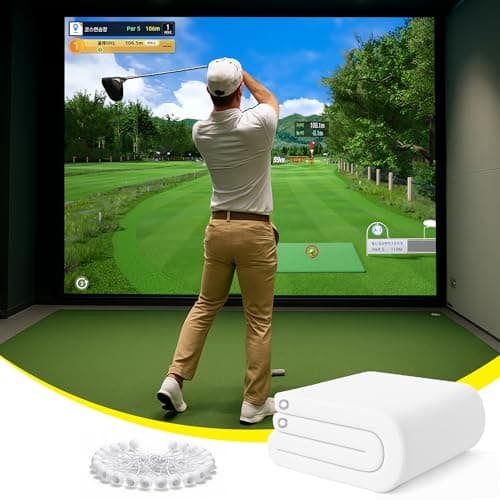
The screen I would pick for a noise-sensitive setup, a garage under a living space or a shared house. Independent testers put its triple-layer air-mesh construction among the quietest, with roughly a 60 percent impact-noise reduction versus a typical screen, plus reinforced edges and steel grommets. It costs more than a basic single-layer screen and earns it.
The budget screen option
If the bay is already in a garage or basement where noise is not a concern, a simpler screen does the job for much less. The trade is loudness, a bit more bounce-back, and, in the owner reports, more variability in how well the grommets hold up. Do not over-tension a budget screen, and add clips or extra tie points if the mount feels marginal.
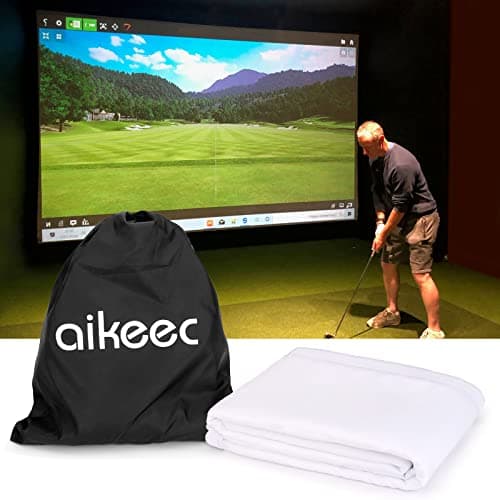
The value pick when noise is not an issue. Buyers report crisp image quality and reliable ball absorption for the price, over thousands of shots in the better reports. The recurring caveat is grommet durability, so mount it without pulling it drum-tight and be ready to add tie points.
See every impact screen with its current price
Driver-rated, evenly tensioned, with a buffer behind it.
Sizing the screen to your room, not the other way around
Screen size is downstream of your room, not a style choice. A screen sized for a room you do not have either gets clipped by your actual ceiling and walls, or leaves a projector struggling to fill a much larger image than it was built for.
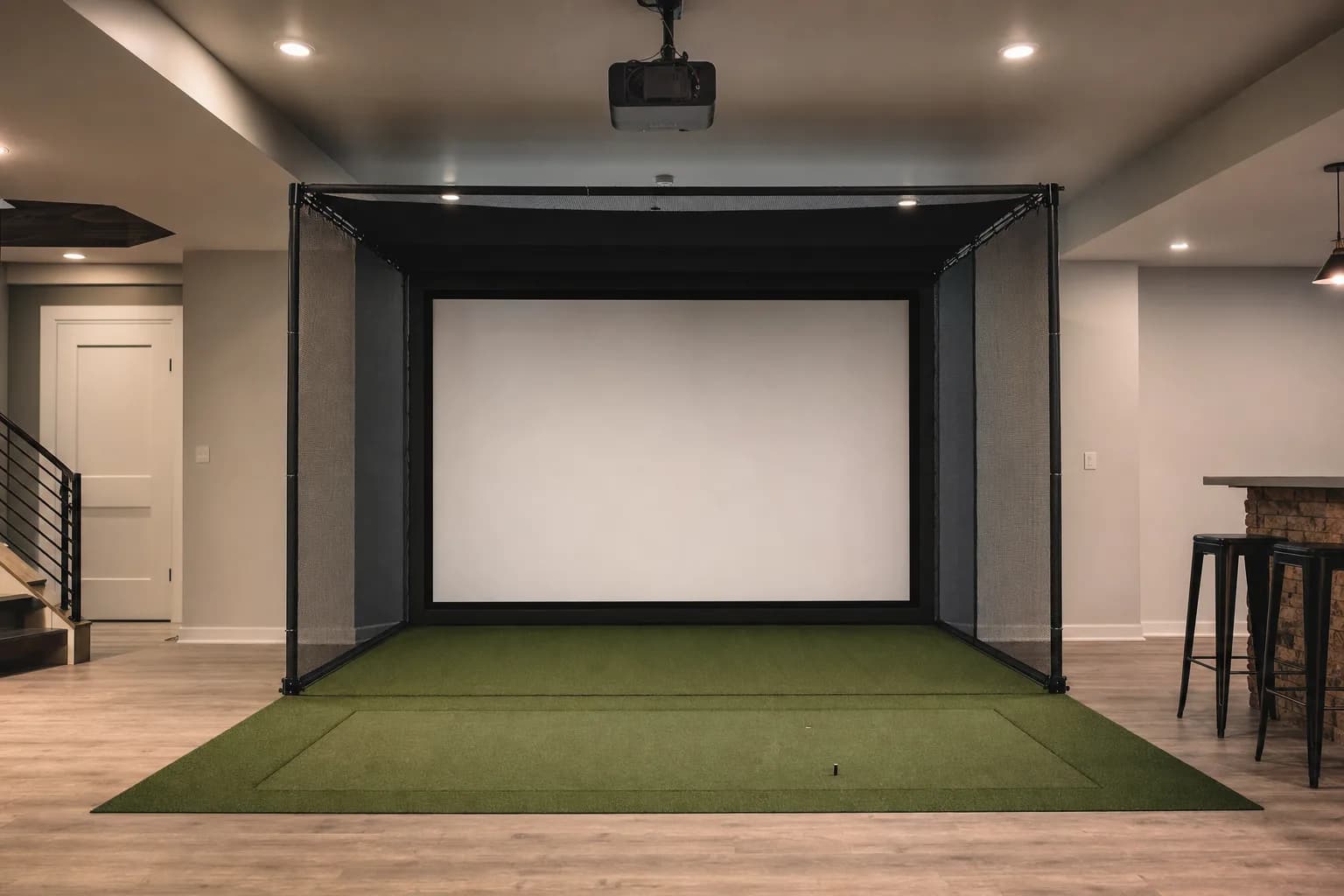
The enclosure or frame holding the screen also takes up real depth and width beyond the screen surface itself. Factor the frame into your room check, not just the fabric's own dimensions. A complete enclosure kit states its footprint; a DIY frame is whatever you build it to.
Check your room's real dimensions in the room size guide before you size a screen, and see the enclosure options on the enclosure review list.
What actually matters in a projector
| Spec | Why it matters here |
|---|---|
| Throw ratio and distance | How far the projector must sit from the screen to fill it. Short-throw (about 0.5 to 0.8) fills a screen from a few feet; a standard projector needs ten feet or more and rarely fits a home bay. Ultra-short-throw sits within a metre. |
| Brightness (lumens) | How well the image holds against ambient light. About 3,000 lumens for a fully dark room, 3,500 to 4,200 for any ambient light, more for a garage with windows. |
| Light source | A laser lasts tens of thousands of hours with no bulb to replace. A lamp is cheaper upfront, dims over its life, and eventually needs a new bulb, which is a real recurring cost. |
| Input lag | Low lag keeps the ball flight feeling connected to your swing. All the simulator-marketed short-throws here are good on this; a generic home-cinema projector often is not. |
| Keystone and lens shift | How forgiving the projector is of an off-centre or angled mount. A fixed-lens projector has to be positioned exactly; one with vertical lens shift or wide keystone tolerates a real-room mount point better. |
Resolution matters least. A sharp, bright 1080p image on a tensioned screen looks excellent from the hitting position. Spend the 4K premium on brightness or a laser light source instead.
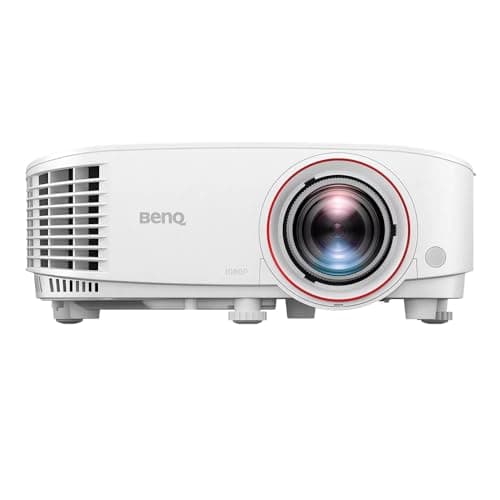
The best-value projector for a room you can darken, and the one I recommend for a first projected build. Bright, sharp 1080p, genuinely short throw, low input lag. It is a lamp not a laser, and it has no horizontal keystone, so it needs a mount that is square to the screen.
Brightness, room light and screen gain
Lumens on their own do not tell you whether an image will look good. Three things interact.
- Screen size: the same light spread over a bigger image is dimmer per square foot. A 3,000-lumen projector that looks bright on a 100-inch screen looks softer on a 150-inch one.
- Screen gain: a slightly higher-gain screen makes a modest projector look brighter, at the cost of a narrower ideal viewing angle, which matters less in a bay.
- Ambient light: any uncontrolled light washes the image and kills contrast. A north-facing basement is forgiving; a garage with a window in the door is not, and there you want 4,000 lumens or more, or blackout covers.
The practical rule: size the projector to the screen you will actually use, in the room's real lighting, not to a spec-sheet ideal. If in doubt, buy more brightness. A too-bright projector can be dimmed; a too-dim one cannot be fixed. It is often cheaper and more effective to block the light than to buy a brighter projector to fight it.
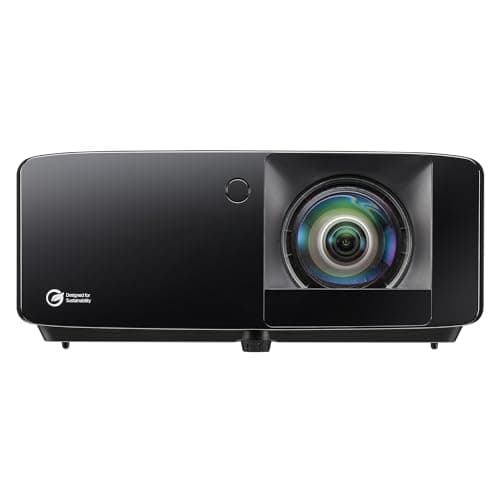
The step up when the room has any ambient light or a larger screen. Rated 4,200 lumens against the TH671ST's 3,000, a laser light source, the lowest input lag of the group, golf colour presets and a setup app. It is a niche tool built for simulators, not a great movie projector.
$1,299.00
See every simulator projector with its current price
Mounting and setup
Ceiling mounting is standard, for two reasons: it keeps the projector out of the swing and off the floor, and it puts the light above your head so you do not cast a shadow on the screen mid-swing. A few things go wrong repeatedly.
- Getting the throw distance wrong. Every projector has a specific distance for a given image width. Measure it, mount to it. A fixed-lens projector gives you almost no room to correct afterward.
- Relying on digital keystone. It squares a tilted image by throwing away pixels and softening the result. Mount the projector physically square to the screen and use keystone only as a last small nudge.
- A leftover lens cap or the wrong HDMI input. The most common no-picture call is one of those, not a broken projector.
- Blocked vents. A projector boxed into a tight enclosure overheats and shuts down. Leave airflow around it.
- A flimsy mount. A cheap tilting bracket creeps under vibration and you re-square the image every few weeks. Fix a rigid mount into ceiling joists once.
How to sanity-check this before you buy anything
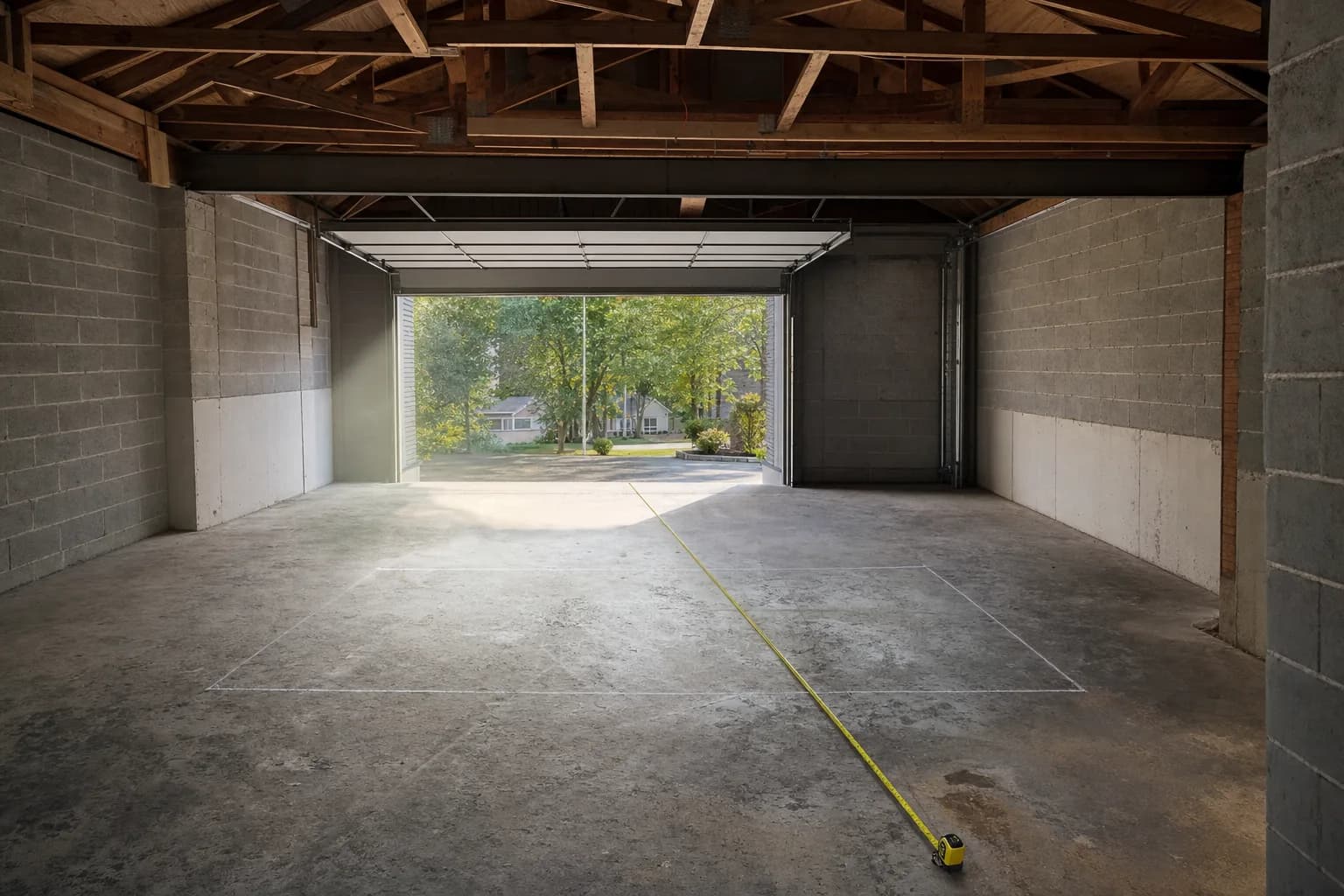
- Mock up the screen size with painter's tape on the wall. Seeing the real dimensions in your actual room catches a mismatch that spec-sheet numbers alone will not.
- Test the room's ambient light at the time of day you will actually use the simulator. A room that looks dark in the evening can be very different at a Saturday-morning session.
- Run the maker's throw calculator with your exact planned screen width and mount distance. Every projector maker publishes one, and it removes most of the guesswork.
- If you can borrow or rent a projector for a weekend, confirming throw and brightness in your real room removes almost all of what is left.
Keeping a screen and projector working over time
- A screen develops wear marks where it takes the most impact. Normal and mostly cosmetic unless it starts affecting the image. A screen you can rotate or re-hang lasts longer.
- Dust on a projector's lens or filter gradually dims the image and is easy to mistake for the unit failing. An avoidable maintenance item worth checking first.
- A lamp projector's bulb has a finite life and a real replacement cost. Budget for it as an ongoing cost. A laser projector avoids this.
Where people go wrong
- Buying the screen before confirming the projector's real throw distance in the actual room.
- Choosing a screen for image quality alone without checking its impact rating and layer count, then living with a loud, bouncy screen.
- Under-buying projector brightness for a room with any ambient light.
- Forgetting the enclosure or frame's own footprint when checking whether the screen fits.
- Over-tensioning the screen, which trampolines the ball and tears the grommets.
If you are also buying an enclosure
A screen needs something to hold it: a full enclosure with side and top netting, or a simpler frame. A bundled enclosure kit is the sensible choice for most people because the frame, screen and side netting are sized to work together and the screen is rated for driver impact, so there is no fitment guesswork.
See the full enclosure-or-frame breakdown in the planning guideSee every enclosure kit with its current price
Common questions
Can I use a regular home theatre screen instead of an impact screen? Not for the hitting surface. A standard projection screen is not built to absorb repeated full-swing ball impacts and wears through quickly.
Do I need a 4K projector? No. Throw distance and brightness matter far more here. A well-set-up 1080p image on a tensioned screen looks sharp from where you stand to hit. The 4K premium is better spent on lumens or a laser light source.
TV or projector for a golf simulator? A projector, in almost every case. You cannot hit a ball into a TV, so a TV setup means hitting into a separate net and watching the shot off to the side, which breaks the immersion.
Can I mount the projector myself? Most home installs are a realistic DIY project. The part worth being careful about is confirming throw distance and alignment before finalising the mount, since redoing a ceiling mount is more work than getting it right once.
How much does ambient light really matter? More than most first-time builders expect. The same projector can look perfectly bright in a dark room and washed out with one uncurtained window. Confirm your room's real lighting before trusting a rated brightness figure.
What if my projector and screen turn out mismatched after I have bought both? Usually fixable without replacing everything: a brightness mismatch is often solved with better light control, and a size mismatch can sometimes be solved by adjusting mount distance within the projector's supported range.
Where to go from here
Once you know your room and roughly what screen-and-projector combination fits it, the launch monitor is the next real decision if you have not made it yet.
See the projector roundup for the model-by-model comparisonSee the launch monitor selection guide