
Do you actually need a launch monitor?
A launch monitor is only useful if you want data: ball speed, distance, spin, and how your swing produced them. If you just want to hit balls into a net without numbers, you do not need one yet, and the money is better spent on a better net or mat. If you want to see whether a swing change actually worked instead of guessing, a launch monitor is the one piece of equipment that answers that directly.
This matters before anything else in this guide, because launch monitor budgets scale quickly, and paying for data you will not look at is the most common way people overspend on a first setup.
Start with how you will use it
The right launch monitor depends more on how you will actually use it than on any spec sheet.
- Indoor practice only, no course play: prioritize accuracy on the metrics you care about and a small footprint. You do not need simulator-grade course rendering.
- A full home simulator with course play: check software compatibility before anything else. A launch monitor with excellent data but no simulator software support will not do what you want.
- Outdoor or driving range use: confirm the unit is actually rated for outdoor use. Some launch monitors are built for indoor use only.
- Casual practice versus serious analysis: a simple ball-flight summary is enough for casual use; club path and face angle data matters more if you are actively working on swing mechanics.
Radar vs camera-based launch monitors
Radar-based units track the ball's actual flight after impact, using Doppler radar, and are placed behind the golfer. Camera-based (sometimes called photometric) units read the ball and clubface at the moment of impact using high-speed cameras, and sit beside or just in front of the hitting position.
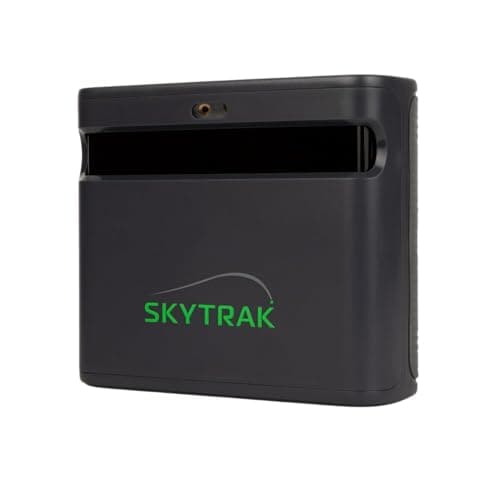
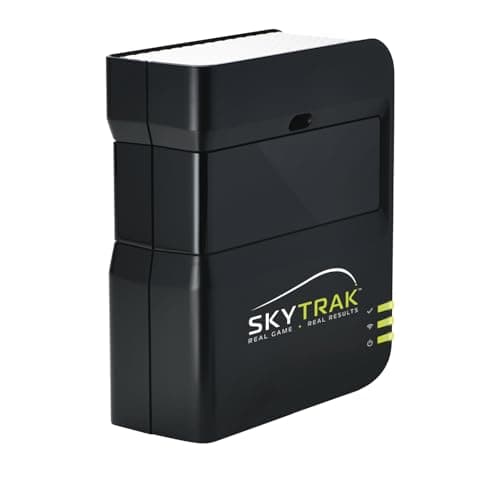
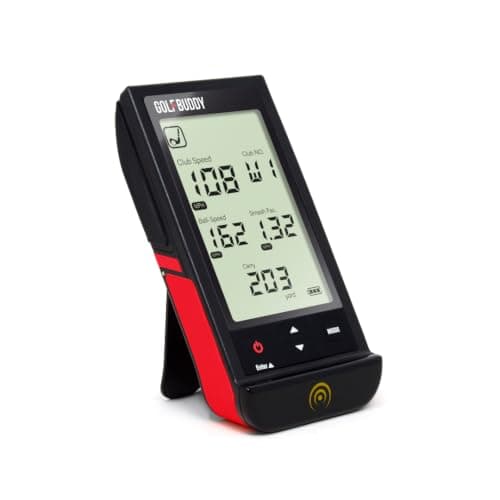
The practical difference is space and setup, not accuracy. Radar needs more room behind the ball to get a clean read. Camera-based units need less depth but more consistent lighting and a precise setup position. The GolfBuddy Shot Mate in the catalog is built around Doppler radar; the SkyTrak uses photometric, camera-based sensing. Both approaches are represented in what MyGolfSim currently carries.
| Radar-based | Camera-based (photometric) | |
|---|---|---|
| Placement | Behind the golfer | Beside or just in front of the hitting position |
| Space needed | More depth, needs room to track the ball's early flight | Less depth, reads the ball at or near impact |
| Most sensitive to | Having enough clear space behind the ball | Consistent, even lighting across the hitting area |
| Typically better fit for | A room with real depth to spare | A short or narrow room, garage bay, or tight spare room |
Which measurements actually matter
Every real launch monitor reports ball speed and an estimated distance. Past that, which metrics matter depends on what you are actually trying to learn.
- Ball speed: the foundation almost every other number is calculated from.
- Carry distance: how far the ball flies before landing, often calculated rather than directly measured on lower-priced units.
- Launch angle: how steep the ball leaves the clubface, useful for diagnosing trajectory problems.
- Spin rate and spin axis: what controls curve and stopping power. Entry-level units tend to estimate this less precisely than premium ones.
- Club data (path, face angle, clubhead speed): only available on units built to track the club itself, not just the ball. If you are diagnosing a swing fault rather than just tracking results, check for this specifically before anything else.
What actually affects accuracy, beyond the spec sheet
Two launch monitors with similar advertised accuracy can feel very different in daily use, because most real-world accuracy problems come from setup, not sensor quality. A unit that's slightly out of level, positioned at the wrong distance from the ball, or working against inconsistent lighting will produce noisier numbers than the same unit set up correctly, regardless of price.
- Off-center hits are the hardest case for any sensor, radar or camera. A shot struck out of the middle of the face is more likely to produce a questionable reading than a flush strike, which is normal and not a sign the unit is broken.
- Mat quality affects camera-based reads specifically: a mat with a busy pattern or inconsistent turf height can make it harder for a camera to isolate the ball cleanly. A simple, consistent hitting surface directly under the ball position helps more than most people expect.
- Distance and alignment matter more than people assume. Most units specify an exact placement distance and angle from the ball; being a few inches off that spec is a common, fixable cause of erratic readings that gets blamed on the unit instead.
- Batteries and firmware: a unit running low on battery or several firmware versions behind the current release is a real, common, and boring cause of inconsistent data that has nothing to do with the sensor's actual capability.
Software and subscription costs to budget for
The launch monitor's price is rarely the full cost of playing simulated courses. Full course-play software (well-known options in this space include GSPro and E6 Connect, among others) is often a separate purchase or subscription from the launch monitor itself, and which software a given launch monitor actually supports varies by manufacturer and sometimes by region.
Before you buy specifically to play courses, confirm three things directly on the manufacturer's own current documentation, not a forum post or an old review: which simulator software the unit is compatible with today, whether that software is a one-time purchase or a recurring subscription, and whether the launch monitor itself requires its own companion app or account to function at all.
Indoor space changes the decision
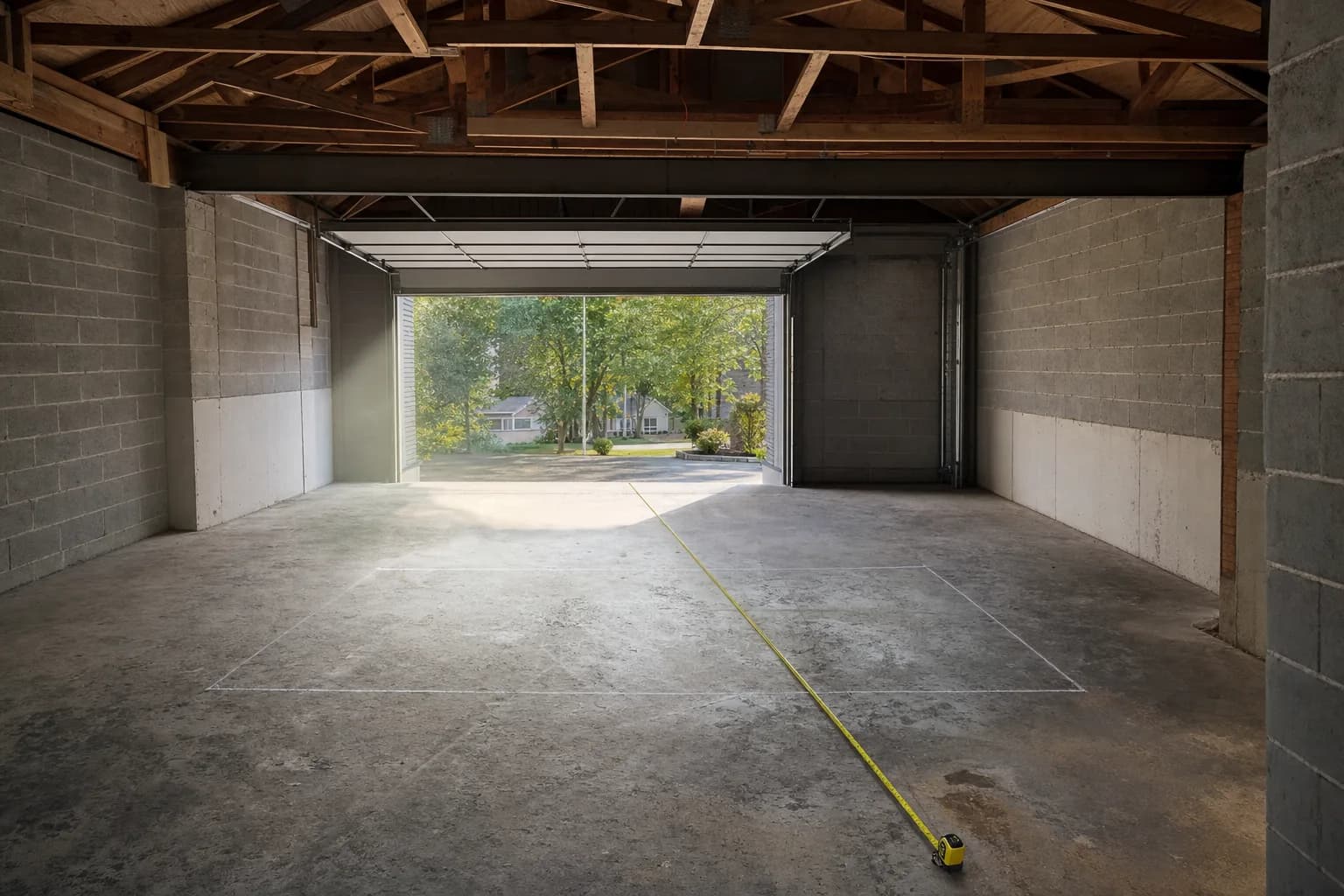
A radar-based launch monitor that needs 8 to 10 feet of clearance behind the ball is not a realistic option in a short garage bay, no matter how good its data is. Measure your room before comparing specific units, not after.
See the room-size guide for what actually determines whether your space worksWhat changes as you spend more
Price differences between launch monitors are rarely about whether a unit works at all. They are usually about how much you can trust the numbers it gives you, how deep the data goes, and how well it is built for repeated use.
- Measurement precision: higher-priced units generally hold up better on off-center hits and unusual shot shapes, where cheaper sensors are more likely to misread.
- Data depth: whether you get ball data only, or ball and club data together.
- Build and durability: staying set up in a dedicated indoor space is gentler than being packed up and moved to the range every week. If you're doing the latter, build quality matters more.
- Software and course access: some launch monitors include simulator software or a companion app, others require a separate purchase or subscription before you can play a course at all.
Match the launch monitor to your priorities
Instead of starting from a budget tier, start from what you actually need answered.
- Mainly want distance and ball speed for practice: almost any real launch monitor answers this. Prioritize footprint and ease of setup over precision you will not use.
- Diagnosing swing mechanics: prioritize club data (path, face angle) over course graphics. Not every unit tracks the club, only the ball, so confirm this specifically before buying.
- Want full simulator course play: prioritize confirmed software compatibility over raw sensor precision. A very accurate launch monitor with no simulator software support will not give you the experience you're picturing.
- Room is genuinely tight: prioritize a camera-based unit with a small footprint over a radar-based unit that needs more depth than you have.
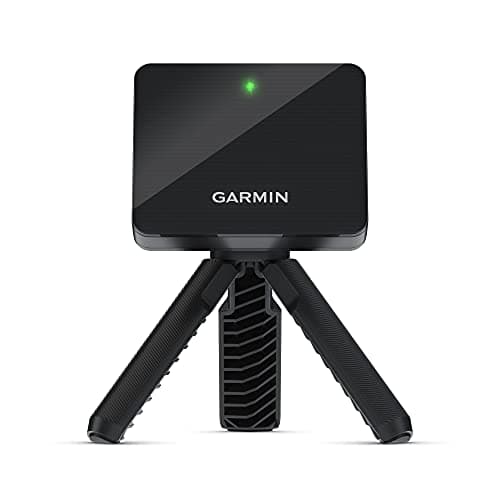
If you want full simulator software compatibility without locking into one ecosystem, this is the one I'd start with. It's a budget entry point that pairs with a wide range of shot-tracking apps and simulator platforms, radar-based, so measure your room first, it needs real depth behind the ball to read cleanly, same as any radar unit covered above.
Launch monitors currently available on MyGolfSim
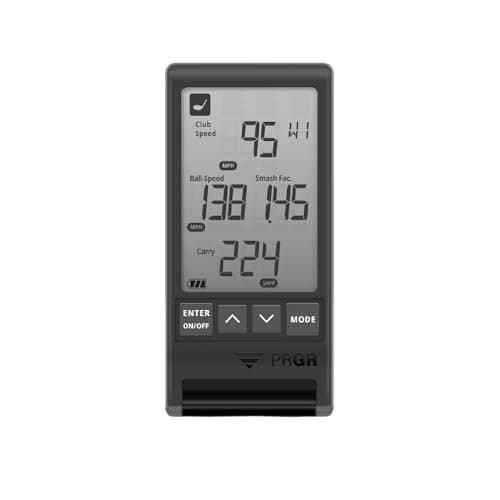
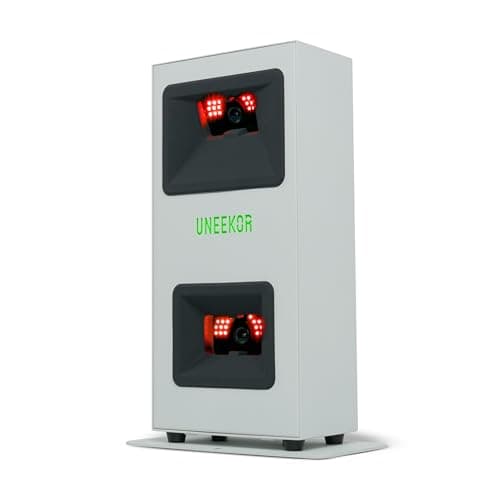
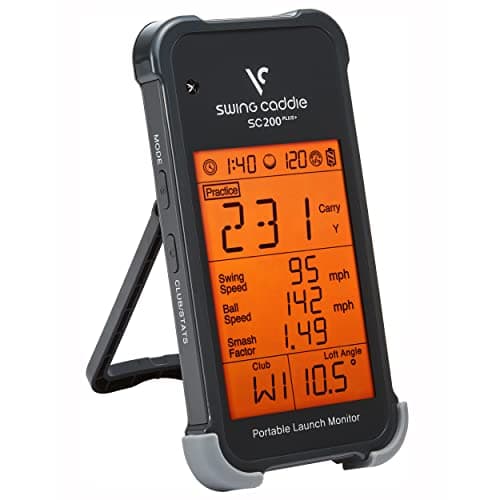
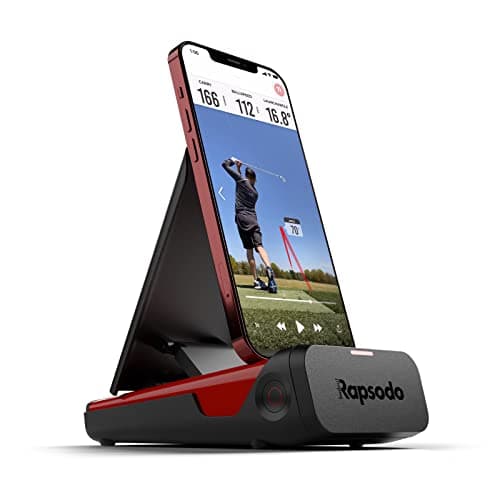
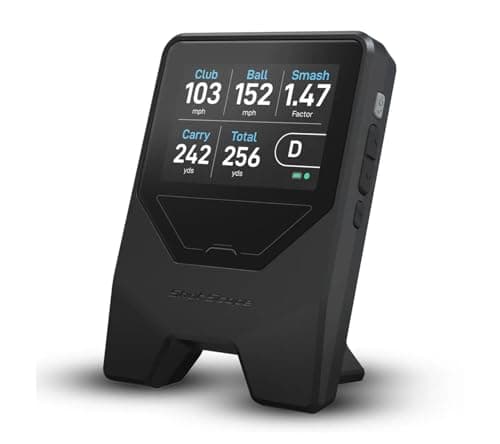
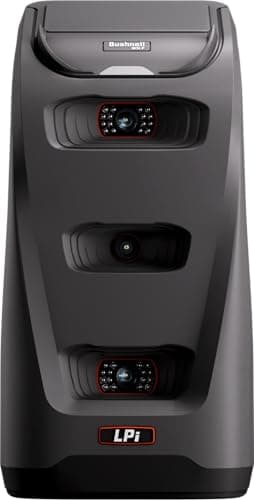
These are the launch monitors MyGolfSim currently has real research on, pulled directly from the live catalog. Prices and availability update automatically. Nothing below is a ranking.
What else you need for a full simulator
A launch monitor on its own gives you numbers. Turning that into a full simulator experience means adding a hitting surface, a way to see the shot, and software to run it on. None of these decisions are free-standing: a launch monitor with excellent data but no supported simulator software leaves you with numbers and no course to play, and a hitting mat that doesn't suit your launch monitor's sensor type undermines the accuracy you paid for.
- Hitting surface: a mat built for consistent turf interaction, matched to your launch monitor's sensor type, see the accuracy section above for why this matters more for camera-based units specifically
- Way to see the shot: an impact screen and projector for a full immersive setup, or a simple net if you're prioritizing space and budget over visuals, see the room-size guide for how this tradeoff affects depth
- Software: whatever platform actually runs the courses or practice modes you want, confirmed compatible with your specific launch monitor before you buy either piece
Reading the market before you buy
Launch monitors move fast, and a bit of timing awareness saves real money.
- Generations matter. Several makers, SkyTrak in particular, have multiple models on sale at once (an older unit, a current one, and a top model). A listing that pairs a current model's name with an old model's price is usually an older unit, a grey import, or a bundle missing something. Check the exact model and what is in the box.
- Prices soften after a successor is announced. If you do not need the newest release, the months after a new model launches are a predictable discount window on the outgoing one.
- Subscriptions change. A unit that had free features two years ago may gate them now, and the reverse happens too. Read the maker's current terms, not an old review.
- The used market is real but has traps. A used photometric unit can be good value since the sensor does not wear, but confirm the software subscription transfers to your account, because a unit with no active software is a paperweight. A subscription-gated unit bought used with a lapsed subscription loses its tracking until you pay to reactivate.
Once you know the type, which specific unit
This guide is about the decision: radar or photometric, which metrics you need, how your room narrows it. Picking the actual unit is a separate step, and it is organised by budget and room size in the roundups.
The best golf launch monitors roundup covers the full range, from the Garmin R10 up to the Bushnell Launch Pro and Uneekor EYE MINI, grouped by the situation each fits. If your budget is under about $700, the best budget launch monitors list is the one to read, covering which sub-$700 units genuinely drive a simulator and which are net-practice speed trainers.
Common questions
Can I use the same launch monitor indoors and outdoors? Some are built for both, others are indoor-only. This is a real, specific spec to confirm before buying if you want to use it on the range as well as at home, not something to assume either way.
Do I need a separate PC to run simulator software? Depends on the software you want to run and on the launch monitor's own supported platforms. Some units pair with a phone or tablet app for basic data; full course-play simulator software generally needs a PC with its own minimum hardware requirements, separate from the launch monitor's own specs.
Can more than one person use the same unit with their own saved data? Most modern launch monitors support multiple user profiles through their companion app, but confirm this specifically if the setup is genuinely shared, since it's a real feature gap on some older or budget-focused models.
How long does a launch monitor actually last? A unit that stays set up in a dedicated indoor space, protected from weather and repeated transport, will generally hold up longer than one packed up and driven to the range every week. Build quality, covered under "what changes as you spend more" above, is the bigger factor between two units used the same way.
Is a more expensive launch monitor always more accurate? Not automatically, and not by a fixed amount. Higher-priced units tend to hold up better specifically on off-center hits and unusual shot shapes, where cheaper sensors are more likely to misread, rather than being uniformly more precise on every shot.
Final decision checklist
- Do you actually need swing data, or just a place to hit balls?
- Does your room fit the clearance a radar-based unit needs, or should you lean camera-based?
- Do you need club data, or is ball data enough for what you're trying to learn?
- Is the simulator software you want to run confirmed compatible with the unit you're considering?
- Have you checked the current price and availability on the product page itself, not a number you saw somewhere else?